MCP
Tasks
Create, update, complete, and reprioritize tasks from plain-English requests.
ActionList speaks MCP. Its AI assistant calls MCP servers for tasks, reminders, habits, events, and focus sessions — so one plain-English request can touch all five. Today that runs inside the app; a public MCP server for external agents is on the roadmap.
Free plan available — no credit card required.
The Model Context Protocol (MCP) is an open standard for connecting AI assistants to tools and data. Instead of every app writing custom glue for every model, an app exposes MCP servers with named tools — “create a task”, “log a habit”, “start a focus session” — and any MCP-compatible assistant can discover and call them through one common interface.
For a to-do, habits and focus app that matters in three ways: one assistant can reach every part of your day instead of one feature at a time; new capabilities ship as new tools rather than a rewrite; and the tool layer isn’t tied to a single AI vendor, so there’s no lock-in baked into how ActionList thinks.
Where things stand today
The five servers marked available now below power ActionList’s built-in assistant. Everything marked coming soon — the external integrations, “bring your own server”, and a public ActionList MCP server that external MCP-compatible agents can connect to — is on the roadmap and not shipped yet. We don’t publish dates. How the assistant handles your content is described in our privacy policy.
ActionList speaks the Model Context Protocol. The AI assistant already manages every ActionList resource for you — and the external integrations below are rolling out next.
Create, update, complete, and reprioritize tasks from plain-English requests.
Schedule, snooze, or cancel reminders — the agent picks the right time.
Log habits, check streaks, and build momentum on the fly.
Block time, move meetings, and stack focus blocks around your day.
Start Pomodoro, Sprint, Deep Work, or Flow timeboxes with one sentence.
Read availability, create events, reschedule around focus blocks.
Surface tasks hiding in email, draft replies after your session.
Pull meeting notes, link tasks to pages, keep sources of truth in sync.
Set DND during Deep Work, snooze threads into tomorrow's plan.
Auto-pull your next issue at the start of a Flow session.
Log sleep + steps against habits — no manual entry.
Any MCP server plugs in. Custom agents, private data, zero lock-in.
Trigger actions from anything — Zapier, shortcuts, home automation.
The in-app assistant doesn't hard-code every action. It talks to internal MCP servers for Tasks, Reminders, Habits, Events, and Focus Sessions, and picks the right tool for what you asked — create, update, complete, reschedule, log, start. A new capability is a new tool, not a rewrite.
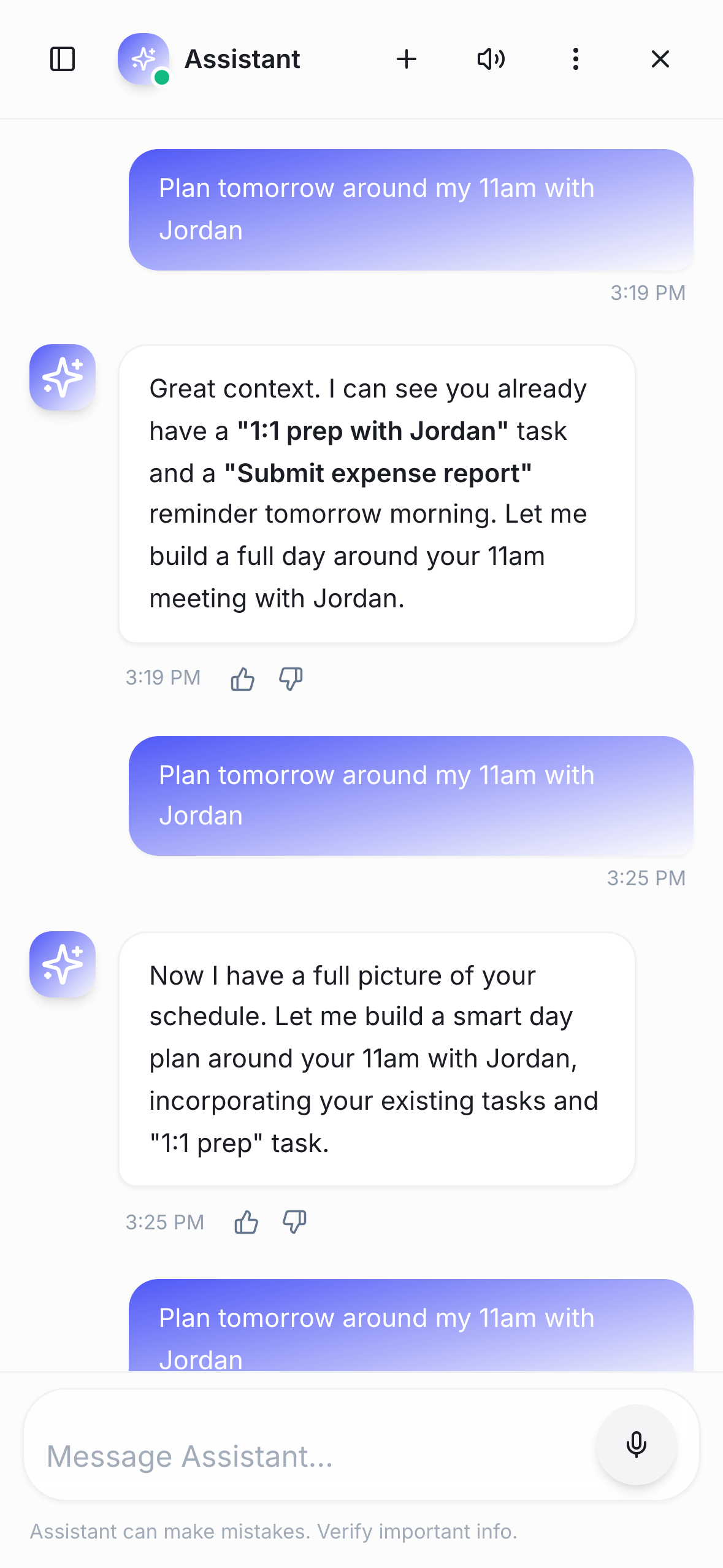
Say "move the Q2 brief to Thursday morning and start a 25-minute sprint on it now." The assistant calls the Events server, then the Focus Sessions server, and the plan updates in place. Every change it makes gets a 4-second undo before it saves, so a misread request never becomes a scramble to fix.
Because the assistant reaches ActionList through MCP tools, that same tool layer is what a public ActionList MCP server would expose to MCP-compatible agents you already use. That public server — and the Google Calendar, Gmail, Notion, Slack, Linear, Health, and Webhooks integrations — are on the roadmap, clearly marked as such above, with no dates promised.
Ask for a Deep Work block and, with ActionList Pro on iPhone, the running session shows as a Live Activity in the Dynamic Island and on the Lock Screen. The MCP call turns into something you can glance at without opening the app.
Type or speak what you need — no syntax, no slash commands, no forms.
It routes the request to the right server — Tasks, Reminders, Habits, Events, or Focus Sessions — and calls the tool with the details it worked out.
Tasks, habits, and the focus timer update immediately; on iPhone with Pro, a running session shows in the Dynamic Island.
Tasks, habits, focus sessions, and an AI assistant — in one app, with a free plan.
Get started free