A focus timer that lives in your Dynamic Island.
Start a session in one tap and keep it glanceable while you work. ActionList pairs a distraction-light focus timer with your tasks, so each session has a purpose — and your streaks show the progress.
Free plan available — no credit card required.
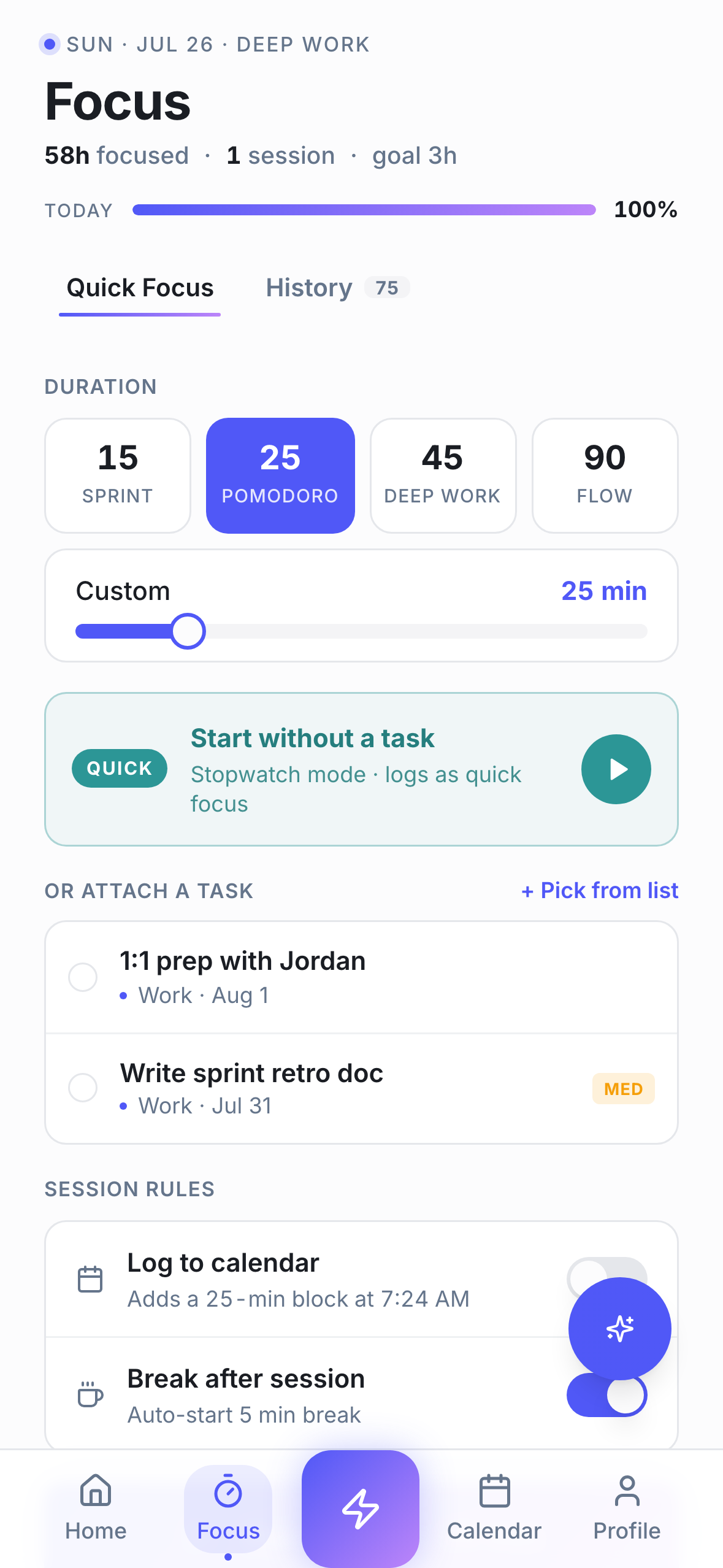
Four session styles, one tap away
Pomodoro for short bursts, Sprint for quick wins, Deep Work for long stretches, and Flow when you don't want a hard stop. Pick the preset that matches your energy — no fiddly setup before you can start.
Your timer, in the Dynamic IslandPro
On iPhone, ActionList Pro shows your running session as a Live Activity — in the Dynamic Island and on the Lock Screen. Time stays visible at a glance, so you can put the phone down and keep working.
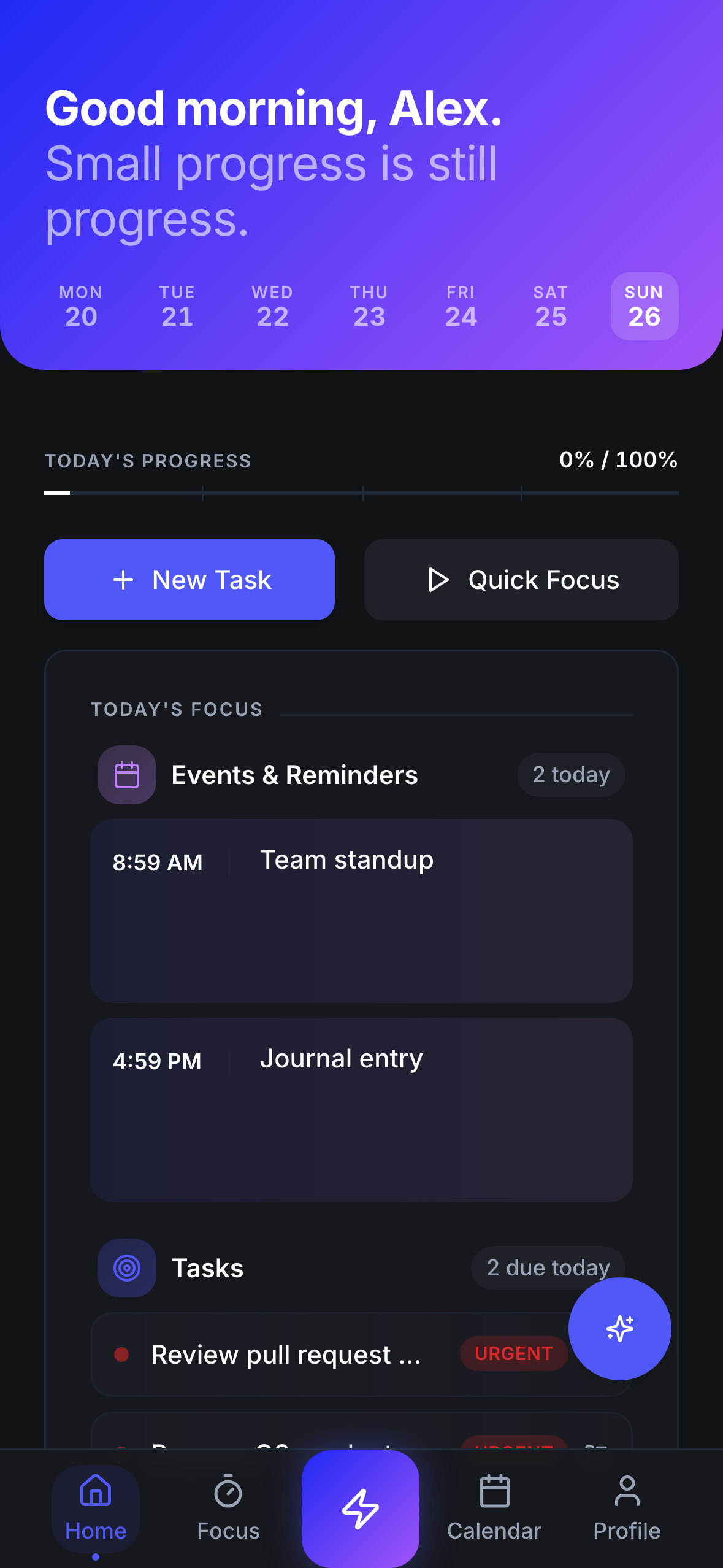
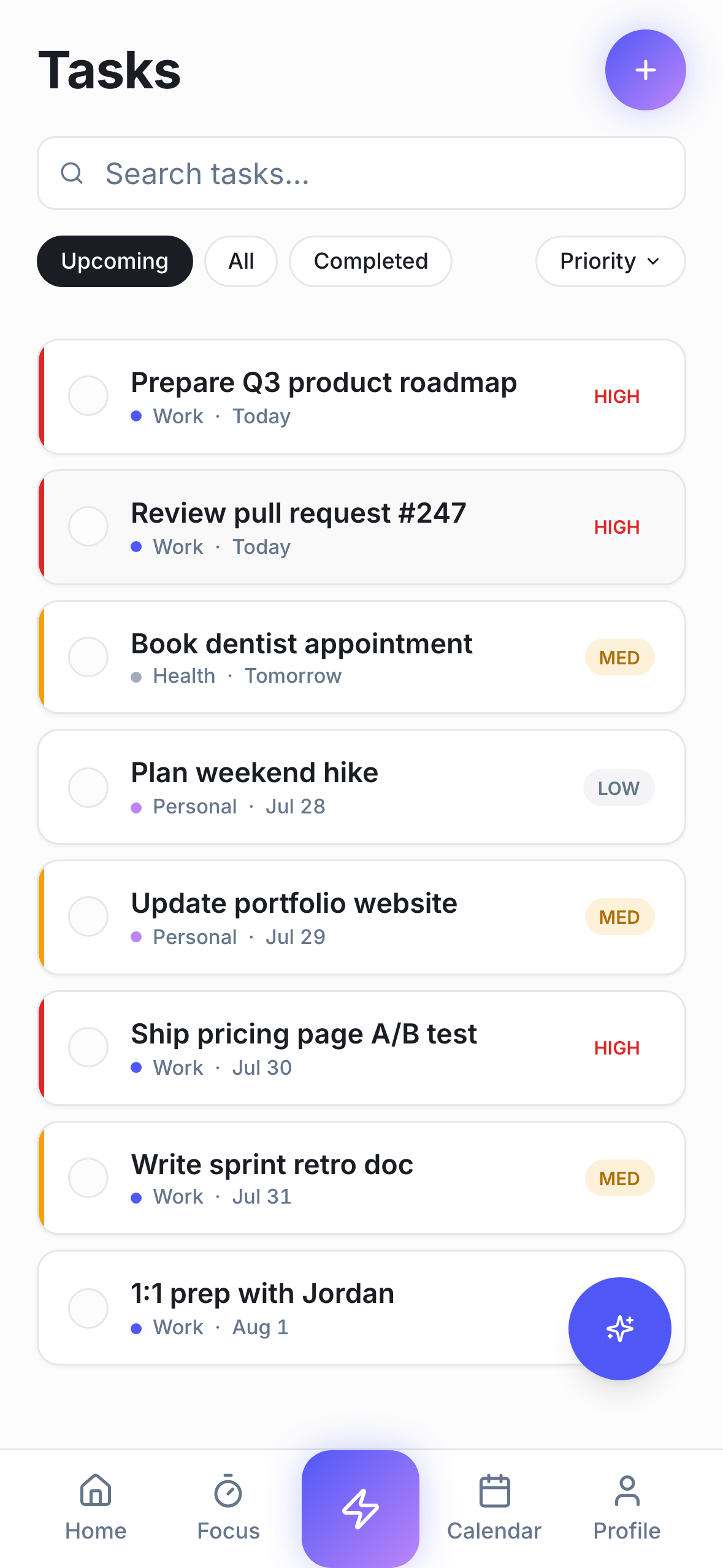
Sessions tied to real work
Start a focus session from any task, and it's logged against that task when you finish. Your day plan, your timer, and your to-do list stop being three separate apps.
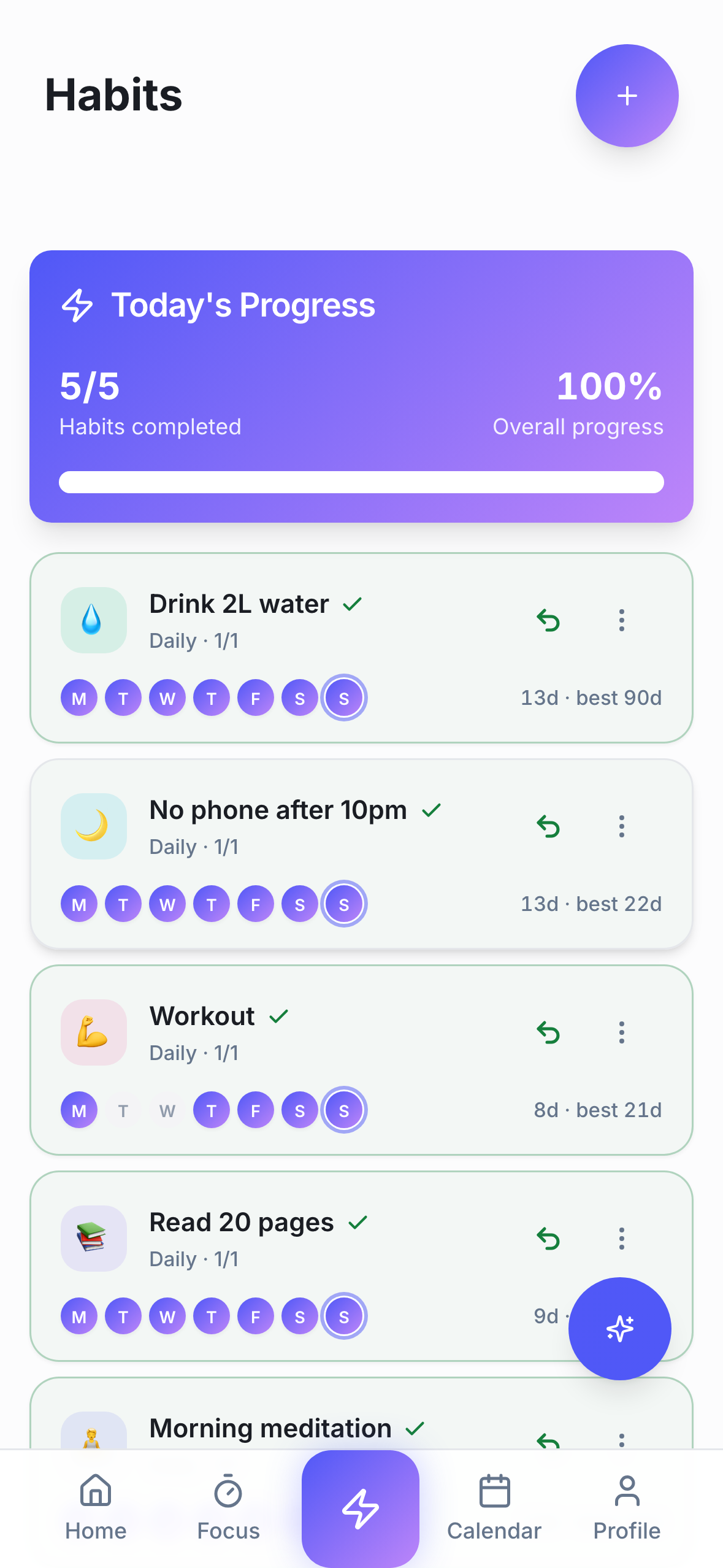
Momentum you can see
Finished sessions feed your habits, so showing up daily builds a visible streak. Many users find that seeing the chain makes tomorrow's session easier to start.
How it works
Pick a task
Choose what this session is for — or start a freestanding timer.
Start a preset
Pomodoro, Sprint, Deep Work, or Flow. One tap and you're in.
Finish and log it
The session is recorded, your task moves forward, your streak grows.
Frequently asked questions
- Does ActionList show the focus timer in the iPhone Dynamic Island?
- Yes. With ActionList Pro on a Dynamic Island-equipped iPhone (iPhone 14 Pro and later), your running focus session appears as a Live Activity in the Dynamic Island and on the Lock Screen, updating in real time.
- What focus session presets does ActionList have?
- Four: Pomodoro (classic work/break intervals), Sprint (short, high-intensity bursts), Deep Work (long uninterrupted stretches), and Flow (open-ended sessions without a hard stop).
- Can I start a focus session from a task?
- Yes. Any task in your list can launch a focus session, and the completed session is logged against that task — so your timer history reflects real work, not just elapsed minutes.
- Is the focus timer free?
- The focus timer and all four presets are part of the free plan. The Dynamic Island / Live Activity view is part of ActionList Pro.
- How is a focus timer different from a regular pomodoro app?
- Pomodoro is one way to structure focus — fixed work and break intervals. A focus timer app like ActionList also supports longer deep work blocks and open-ended flow sessions, and connects sessions to your tasks and habits instead of living in a separate app.
Try ActionList today
Tasks, habits, focus sessions, and an AI assistant — in one app, with a free plan.
Get started free