The to-do list that plans your day for you.
Most to-do apps just store what you type. ActionList reads the sentence — "clear tomorrow morning for the Q2 brief, 90 minutes, no meetings" — and turns it into the tasks, calendar blocks, reminders, and focus sessions that make it happen.
Free plan available — no credit card required.
Write it the way you'd say it
No forms, no fields, no picking a date from four dropdowns. Type or speak a plain sentence and the assistant works out what you meant — the task, the timing, the priority, and what it should be linked to.
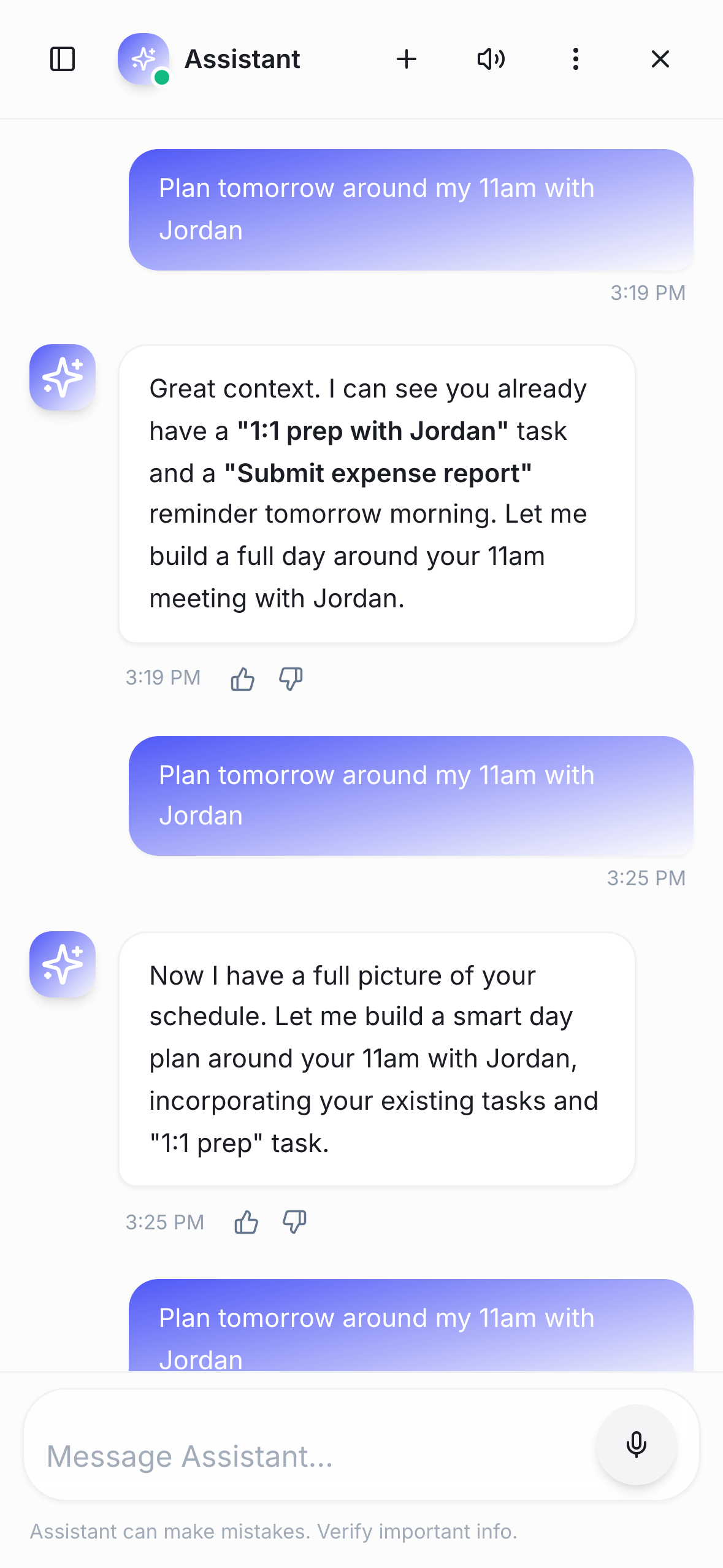
One sentence, several actions
A single request can create a task, block the calendar, set a reminder, and queue a focus session — then reschedule the lot when your day moves. It acts on your plan rather than handing back a list to retype. Every change gets a 4-second undo before it saves.
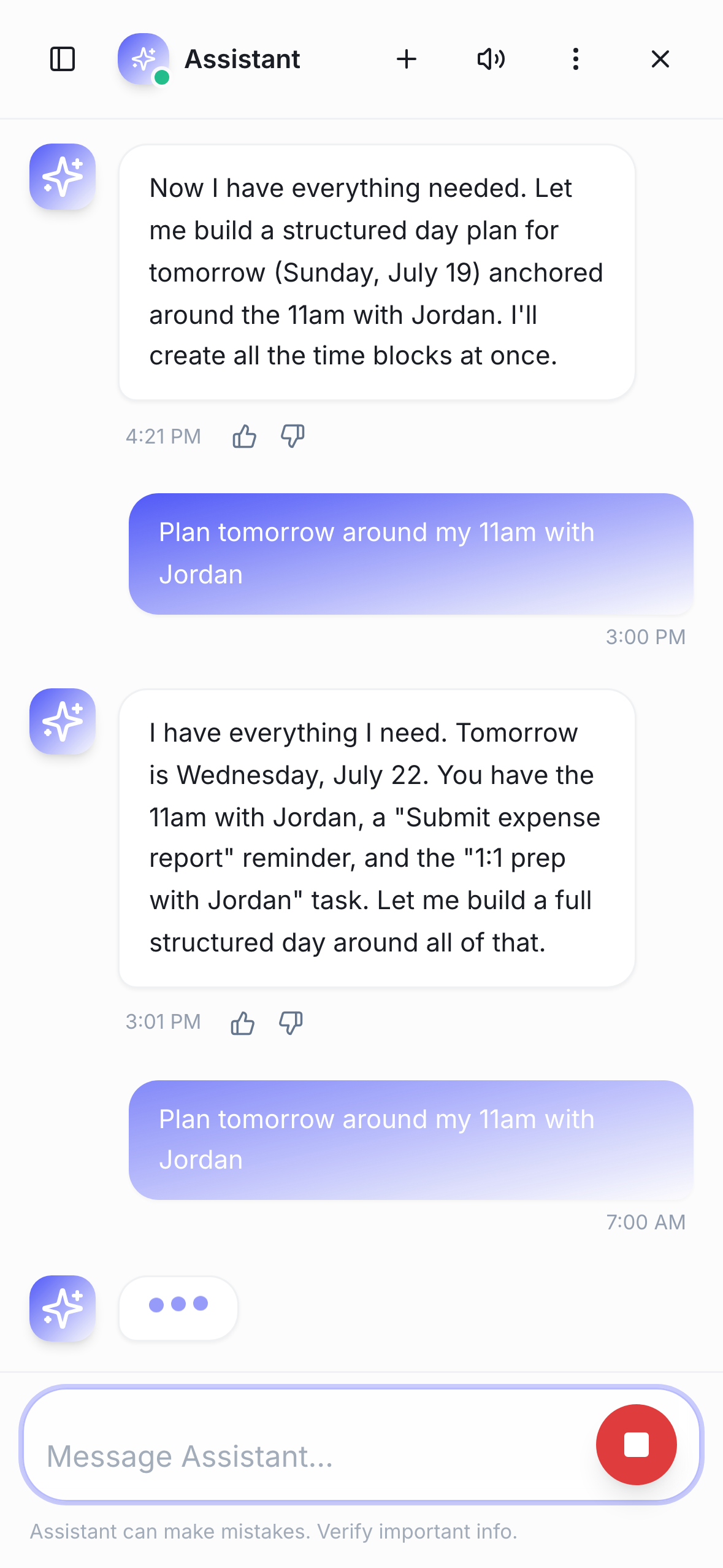
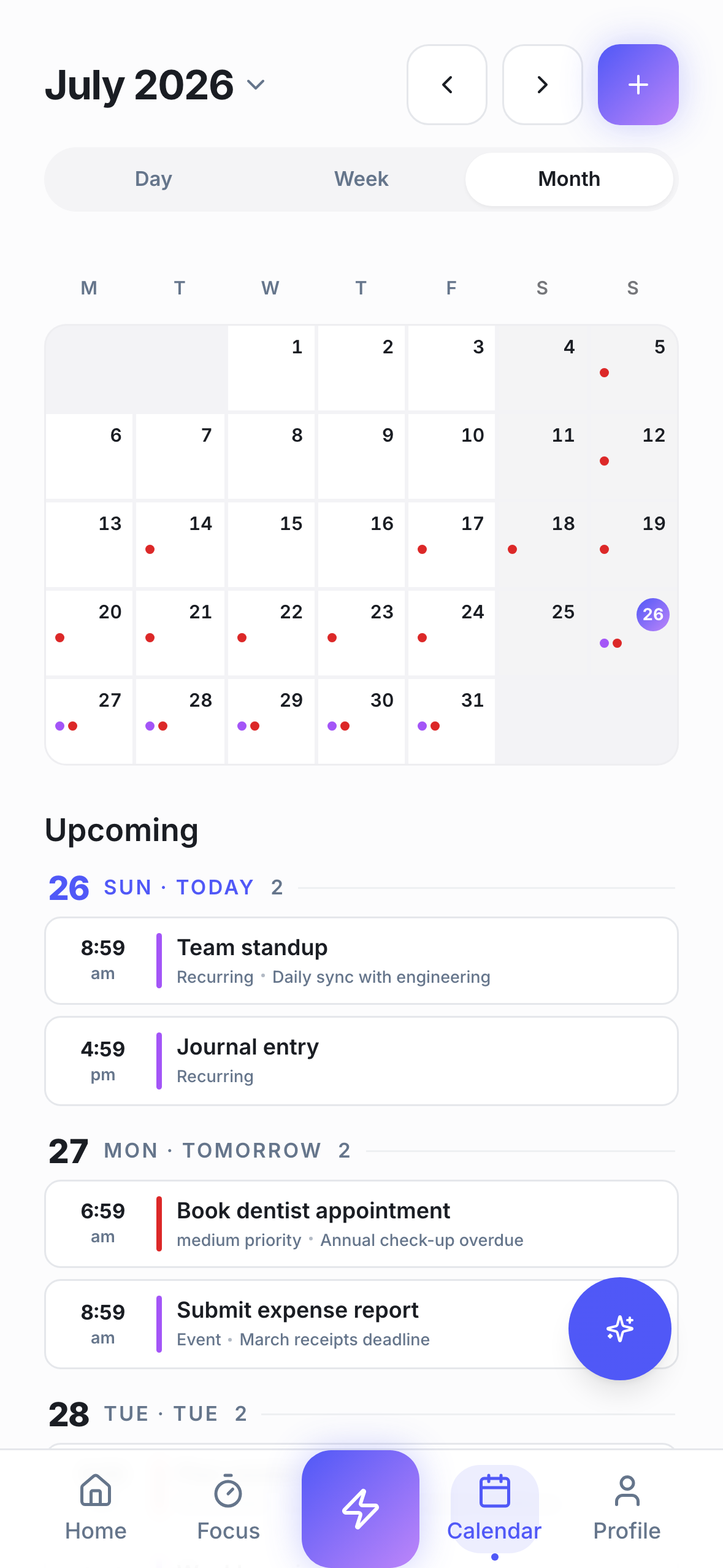
It knows what your week already looks like
The assistant reads your calendar, your existing tasks, and your habit streaks before it suggests anything — so it schedules around what's really there instead of dropping work into busy hours.
The plan runs itself once it's made
Focus sessions time-box the work, and finishing one can tick the habit it belongs to automatically. The planning stops being a separate chore from doing it.
How it works
Say what you need
One plain sentence — no forms, no fields, no syntax to learn.
Review what it drafted
Tasks, events, reminders, and focus blocks appear as a plan you can adjust.
Work the day
Timers run, and finished sessions log themselves.
Frequently asked questions
- What is an AI to-do list app?
- It's a task manager that understands plain language instead of making you fill in forms. In ActionList you describe what you need in a sentence and the assistant creates the tasks, calendar events, reminders, and focus sessions to match — then reschedules them when your day changes.
- Is the AI assistant free?
- The free plan includes the AI assistant with 12 messages per day, alongside unlimited tasks, habits, reminders, calendar, and the focus timer. Pro lifts the ActionList assistant to unlimited messages for reasonable use within ActionList productivity workflows and adds productivity analytics and Dynamic Island activities. Instructions and learnings are included on Free. Terms apply. Pro is coming soon — no credit card required to start on Free.
- What can the AI assistant actually do?
- It creates and edits tasks, schedules and reschedules calendar events, sets reminders, and starts focus sessions — often several in one request. It reads your existing schedule, tasks, and habit streaks for context, so suggestions fit the week you already have rather than an empty one.
- Can I undo something the AI assistant does?
- Yes. Every action the assistant takes — creating a task, moving an event, setting a reminder — gets a 4-second undo before it's saved. Nothing sticks until that window passes, so a misread request never becomes a scramble to fix.
- Is my data used to train AI models?
- No. Your content stays yours and your prompts are not used to train models.
- Do I have to use the AI to use the app?
- No. Everything can be created by hand, and plenty of people never open the assistant. The AI is a faster way in, not a requirement — tasks, habits, reminders, calendar, and the Pomodoro timer all work on their own.
- How is this different from a normal to-do list app?
- A normal to-do app stores what you type. ActionList also decides when the work happens: it turns a sentence into scheduled blocks, links habits and focus sessions to the tasks they serve, and keeps the plan consistent when something moves.
Try ActionList today
Tasks, habits, focus sessions, and an AI assistant — in one app, with a free plan.
Get started free